💍 Wedding Face Forward (WeddingFF)
AI-Powered Event Photography Management & Instant Guest Photo Delivery System
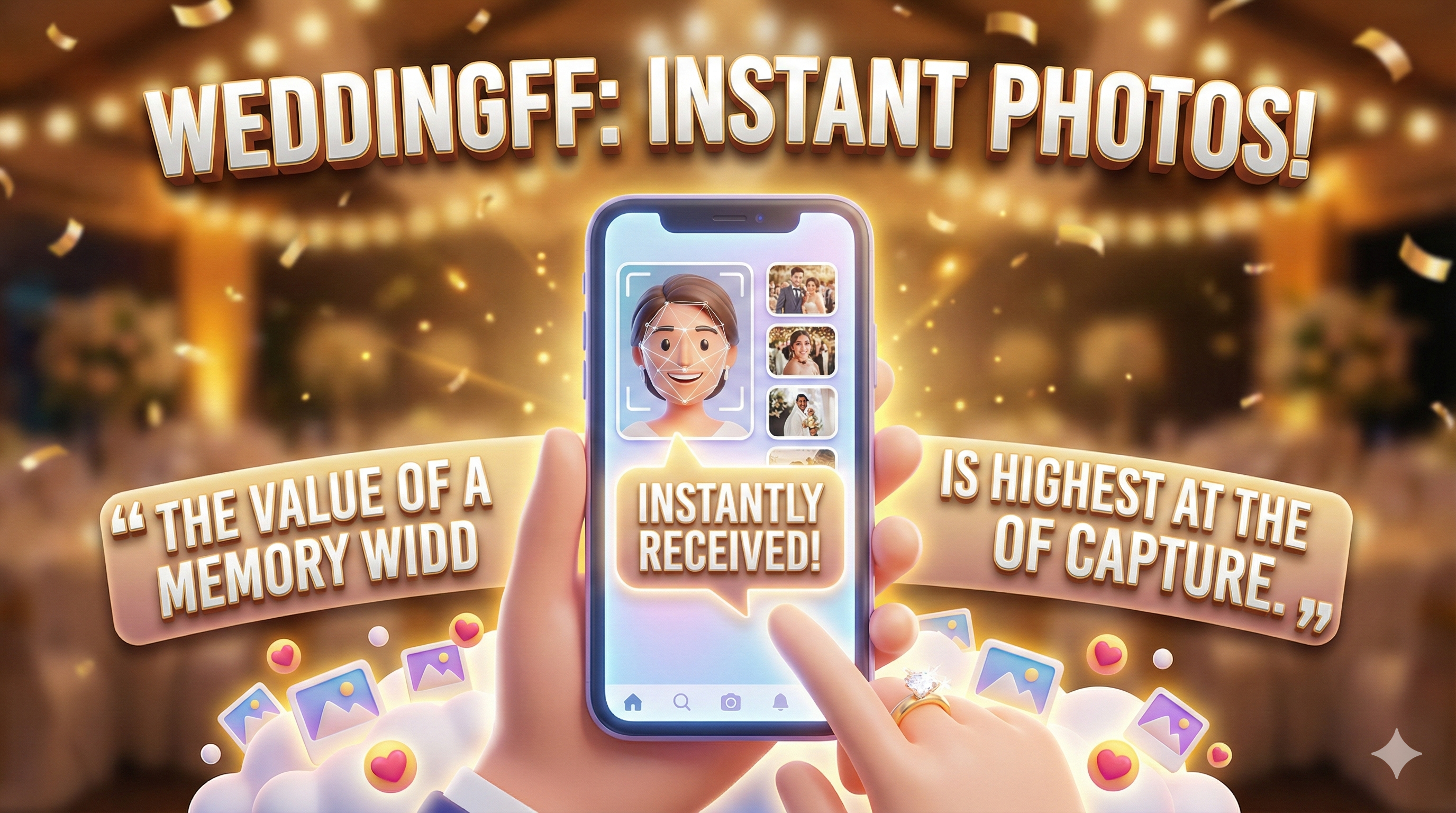
AI-Powered Event Photography Management & Instant Guest Photo Delivery System
Wedding Face Forward (WeddingFF) represents a paradigm shift in event photography. Traditionally, wedding guests have to wait for weeks to see photos of themselves, often digging through thousands of images in a shared link. By the time they receive the photos, the emotional peak of the event has passed.
WeddingFF was conceived with a single realization: The value of a memory is highest at the moment of capture.
WeddingFF is a multi-process Python application that provides comprehensive event photography management with AI-powered face recognition and automated delivery.
Watches folders for new files from cameras (DSLR via Wi-Fi/SD or Phone).
Built-in RAW processing for high-end camera bodies (CR2, NEF, ARW).
Automatically clusters people into identities without prior input.
Guests "log in" using their faces with advanced AI matching.
Transparently syncs photos to a private, organized Google Drive structure.
Delivers personalized gallery links automatically using browser-level automation.
A beautiful desktop dashboard for monitoring real-time health.
Local-first processing with GDPR-compliant biometric handling.
WeddingFF employs a sophisticated three-plane architectural model that separates concerns and ensures scalability and reliability.
Resides in WeddingFFapp.py. Responsible for launching and monitoring
sub-processes. Provides visual feedback of the "Heartbeat" of each system module.
Resides in backend/app/worker.py and its dependencies. Handles the "Heavy
Lifting": Image conversion, AI analysis, and Routing.
Resides in backend/app/cloud.py and
whatsapp_tool/db_whatsapp_sender.py. Manages external integrations (Google
Drive & WhatsApp).
Every photo follows a well-defined journey through the system:
Event in the Incoming/ directoryWatcher detects the file and adds it to the Job QueueWorker processes the image, generating a Normalized JPEG and
Thumbnail
AI Analyzer extracts EmbeddingsClusterer assigns the photo to one or more Person IDsRouter copies the file to the appropriate People/Person_XXX
directoriesUpload Queue picks up these new files and mirrors them to
Google Drive
Guest Enrollment, the WhatsApp Sender is triggered to send the
linkAt the heart of WeddingFF lies a sophisticated AI engine powered by state-of-the-art computer vision models.
WeddingFF utilizes the Buffalo_L model package from InsightFace. This model is built using the ResNet100 architecture and is trained on the Large-scale Face Recognition (MS1M-ArcFace) dataset.
Unlike simple Haar-cascade filters, RetinaFace uses a single-pass, multi-scale face localization method. It predicts:
RetinaFace is particularly effective at "Small Face Detection," which is critical for wedding group photos where people might be far from the camera.
The "Embedding" is a mathematical abstraction of a human face:
WeddingFF uses Cosine Distance to compare faces. Unlike Euclidean distance, Cosine Distance ignores the "magnitude" (brightness/contrast) of the embedding and focuses only on the "angle" (features).
As more photos of "Person A" are taken, the Centroid (the average of all their embeddings) "drifts" to better represent their true appearance. This self-correcting mechanism is what makes WeddingFF so accurate at scale.
WeddingFF uses SQLite with Write-Ahead Logging (WAL) mode for robust, concurrent data management.
file_hash,
status, face_count, and processed_path.
Centroid and the current
Face_Count.
User_Name,
Phone, Enrollment Selfie Path.
SQLite is traditionally single-threaded for writes. WeddingFF circumvents this using:
We use with conn: blocks to ensure that if a photo is successfully routed to the disk
but the database update fails, the routing is "rolled back" (or the photo is re-processed) to
prevent orphans.
Using the rawpy library, WeddingFF accesses the "Bayer" data directly from the
sensor-dump files. This allows the system to generate high-fidelity JPEGs that often look better
than standard in-camera previews.
Supported Formats: CR2 (Canon), NEF (Nikon), ARW (Sony)
Every image goes through a sanitation process:
The system generates:
EventRoot/
  Incoming/   ← The Drop Zone
  Processed/  ← Master Normalized JPEGs
  People/     ← The Identity Mirror
    Person_A/
      Solo/   ← Just them
Group/ ← With friendsThe system employs high-precision routing logic:
Solo/ with a unique ID-based
name (e.g., 000452.jpg)Group/ folder of every
detected person. This "Virtual Shadowing" ensures everyone sees shared moments without manual
taggingos.link() to create
multiple references to the same file. This means 10 copies of a group photo take 0 extra disk
spaceWe calculate a unique hash for every photo. If you accidentally put the same SD card in twice, the system skips those photos in milliseconds, recognizing the content hash already exists in the database.
WeddingFF supports both User-level OAuth (using token.json) and Service Accounts.
User-level is recommended for uploading directly into the photographer's primary Google Drive
account.
The ensure_folder_path function recursively checks for the existence of folders in Drive
(e.g. "People" → "Person_A" → "Solo"). If they don't exist, it creates them and caches the IDs to
avoid redundant API calls.
Large photo sets can saturate a venue's Wi-Fi. We use Resumable Media Uploads, allowing the system to pause and resume individual file transfers without starting over.
Whenever a new Person folder is created, the system calls permissions.create to make it
"Anyone with link" readable. It then stores the resulting webViewLink.
We use Playwright to drive a real browser. This is essential because standard API-based automation is often detected as "Bot behavior" by WhatsApp.
Authentication data is saved in whatsapp_tool/whatsapp_user_data. This means the
operator only needs to scan the QR code once per event (or even per wedding season).
The system doesn't just "click send." It:
To prevent account bans:
message_state_db.json to ensure no guest ever gets a duplicate message
random.uniform(8.0, 15.0) to mimic human behaviorThe web server is built on FastAPI, the fastest modern Python web framework. All guest inputs (names, phones) are strictly validated using Pydantic models.
When a guest uploads a selfie, the server extracts the embedding and compares it to the
persons table. It returns a Confidence Score. If the confidence is >
50%, the guest is automatically linked to that cluster.
The UI features "Frosty" glass effects, rose gold accents, and smooth CSS-grid-based gallery layouts. It feels like a premium app, not a simple upload form.
The photographer places QR codes on tables. Guests scan them, land on their private URL, and the system guides them through the 30-second enrollment process.
The dashboard uses customtkinter, a modern extension for Tkinter that allows rounded
corners, smooth hover effects, and full theme support.
The app shows:
The dashboard doesn't just "import" the workers; it runs them as separate Subprocesses. This ensures that if the AI worker crashes due to a corrupt file, the GUI remains responsive, allowing the operator to restart it with one click.
insightface - Face detection and recognition (Buffalo_L model)onnxruntime - Neural network execution engineopencv-python - Image processing operationsnumpy - Numerical computations for embeddingsrawpy - RAW image format support (CR2, NEF, ARW)Pillow - Image manipulation and conversionsqlite3 - Local database with WAL mode@retry_on_lock decorator for concurrencyFastAPI - Modern, fast web frameworkPydantic - Data validationuvicorn - ASGI servergoogle-api-python-client - Google Drive APIgoogle-auth - OAuth2 authenticationplaywright - Browser automation for WhatsAppwatchdog - File system event monitoringcustomtkinter - Modern Tkinter UI componentsWeddingFF depends on complex binary libraries. A specific requirements.txt ensures
version compatibility:
pip install -r requirements.txtcredentials.jsonpython backend/setup_auth.py to generate token.json@retry_on_lock decorator
To run WeddingFF at peak performance:
WeddingFF is designed to minimize the footprint of biometric data. Embeddings are anonymous mathematical vectors. There is no facial "image" stored in the database; only coordinates and numbers.
By keeping the AI on the local laptop, we ensure that guests' facial measurements never touch the public internet. Only the final, finished photos are uploaded to Google's encrypted servers.
The system records the exact timestamp and IP address when a guest checks the "I consent to my face being matched" box, creating a legal audit trail for the photographer's protection.
@retry_on_lock decorator in backend/app/db.py
cleanup_ports.bat
script which kills orphaned Python processescheck_all.py - Runs a full integrity check on the DB, Filesystem, and Cloud folders
clear_photos.py - (DANGER) Resets the entire event root. Use only when starting a
brand new weddingcheck_hashes.py - Verifies that every file in the People/ folder
matches its hash in the databasecleanup_ports.bat - A Windows utility to free up Port 8000 and Port 3000Incoming/, Processed/, and People/ foldersdata/wedding.db (or create a new one for the new event).env paths are correct for the current laptop drivepython WeddingFFapp.py and verify all subsystems show "Stopped"reupload_cloud.py to ensure 100% of files were syncedwedding.db and EventRoot to an external archival driveThe future of WeddingFF includes:
"To build the world's most seamless bridge between the camera's shutter and the attendee's heart, powered by invisible, intelligent automation."
This project is a labor of love, designed to empower event photographers to provide a level of service that was previously impossible without a team of 10 assistants.
Thank you for being part of the Wedding Face Forward journey.